
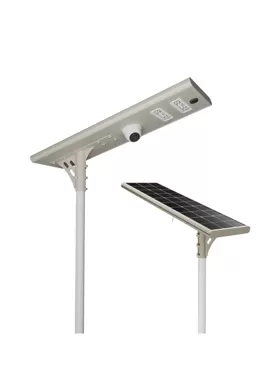
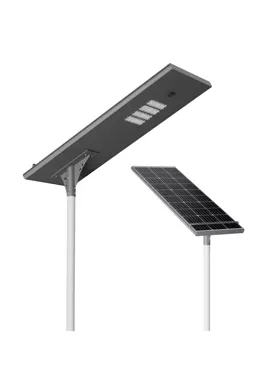
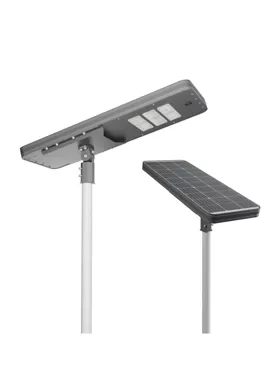


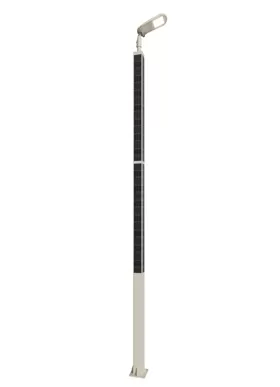
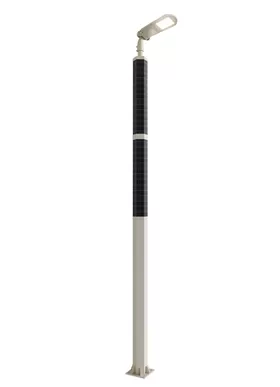
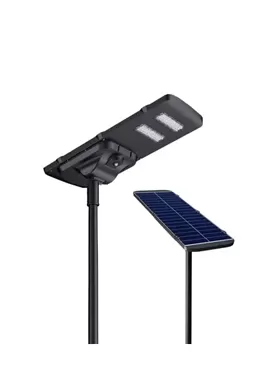
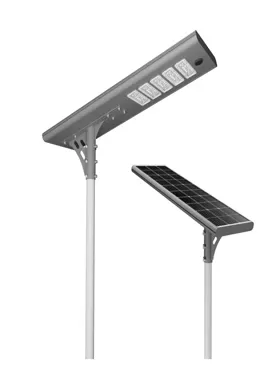
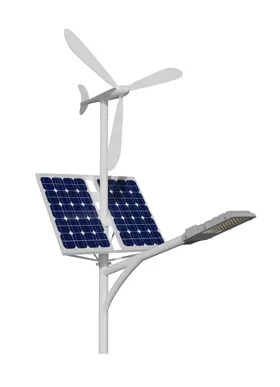




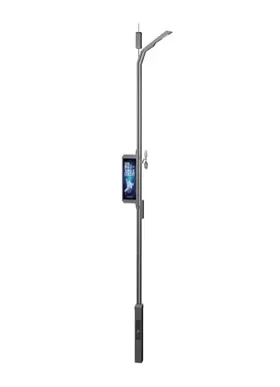
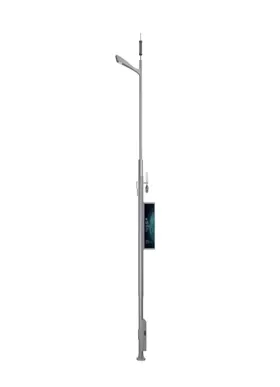
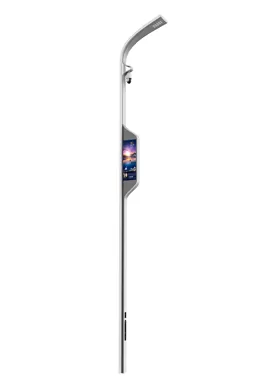
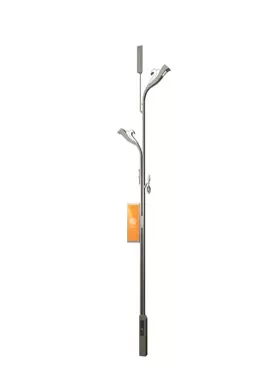
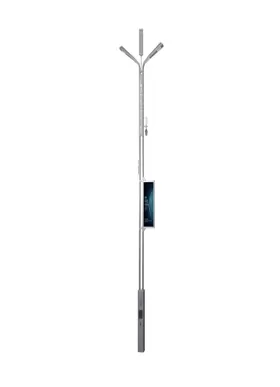
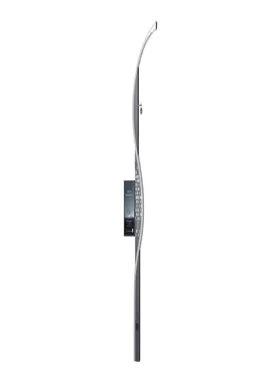
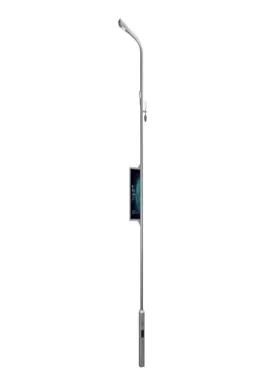
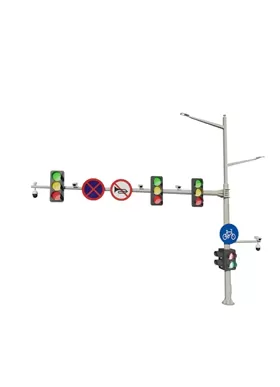
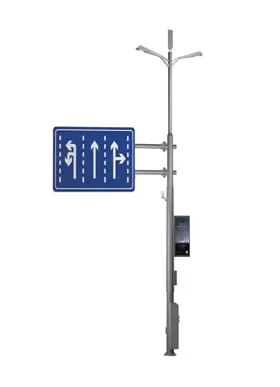
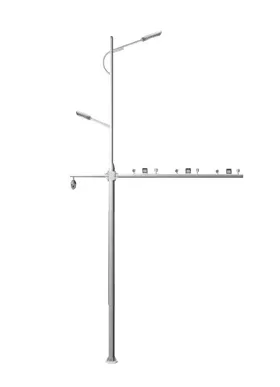
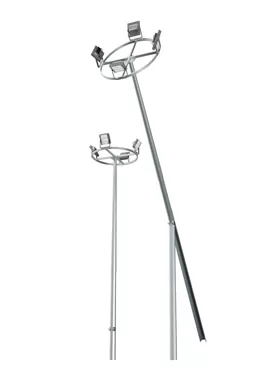






| Configuration Standard | Standard configuration | Optional configuration |
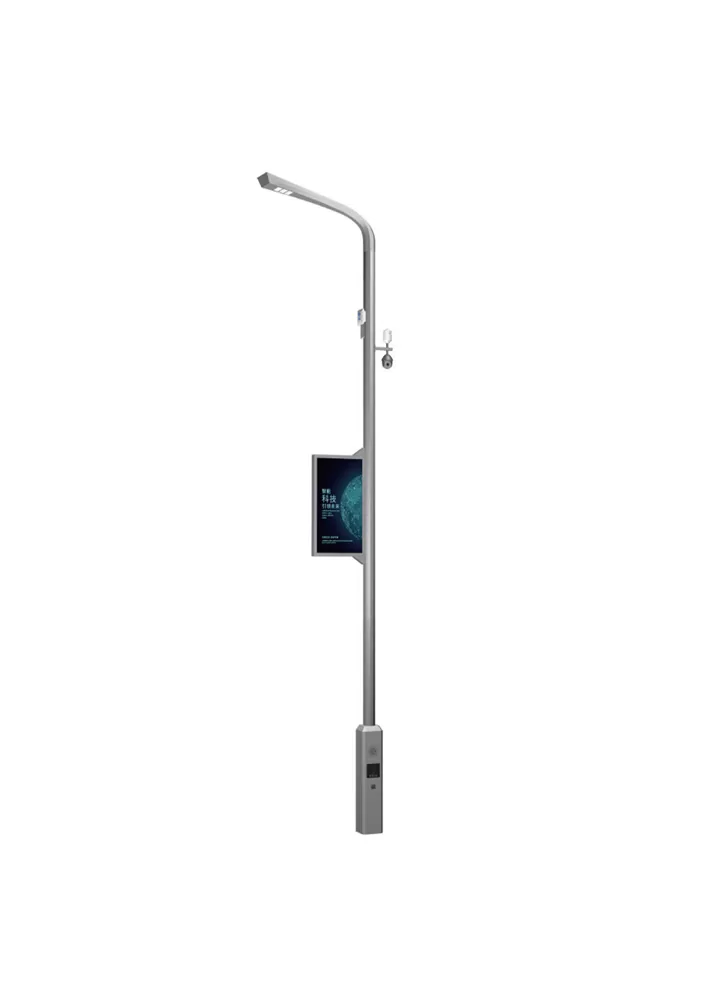
| LED lighting | √ | |
| Mobile phone charging | √ | |
| Human-computer interaction | √ | |
| One-click alarm | √ | |
| Atmospheric detection | √ | |
| Monitoring system | √ | |
| LED screen | √ | |
| Electric vehicle charging station | √ | |
| Audio system | √ | |
| WIFI | √ |
In the event of an emergency, citizens can make a one-click emergency call. By coordinating with police, medical, and other departments, the backend can swiftly determine the victim's location via GPS, facilitating an effective response that reduces the time it takes for a rescue.
After an emergency call for help, the surveillance video and ambient lighting can be turned on automatically, which can create a safe atmosphere and preserve evidence for the rescue operation.
The investment cost of urban safety facilities is greatly decreased because there is no need to construct separate emergency call points.
Its steady, round-the-clock operation can improve residents' sense of security by making up for the absence of emergency facilities in isolated locations.
Test the emergency call button on a regular basis, ensuring sensitivity and rebound performance. To avoid jamming, remove any dust or debris around the button.
Test the microphone pickup and speaker output to ensure proper voice call quality. Look for noise and disconnections to ensure clear two-way communication.
Test the positioning module and communication link to ensure real-time uploading of emergency call information.
Run emergency call simulations on a regular basis to ensure that the backend system responds quickly. Check for delays or failures in command transmission, and update the emergency contact mechanism.