
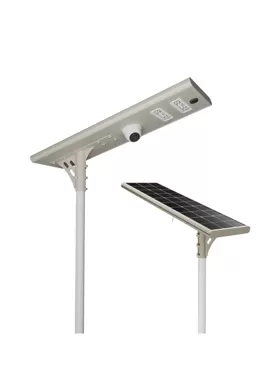
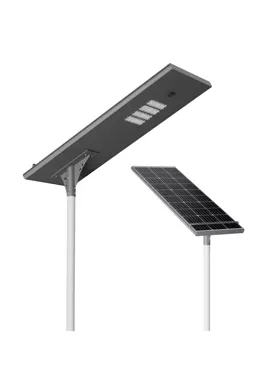
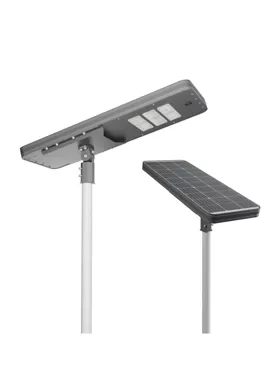
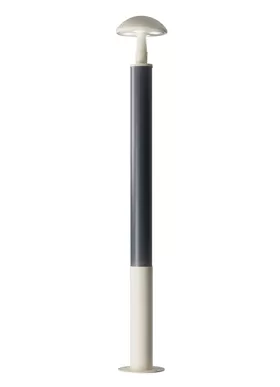
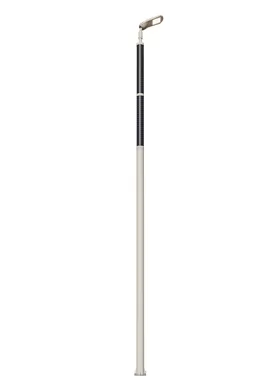
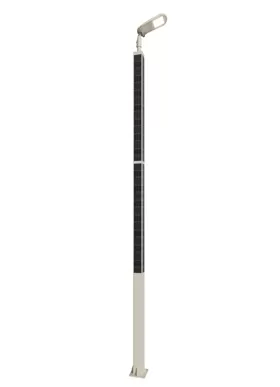
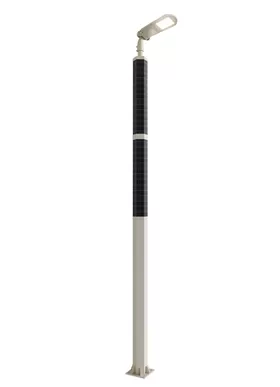
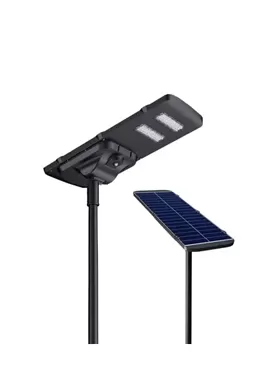
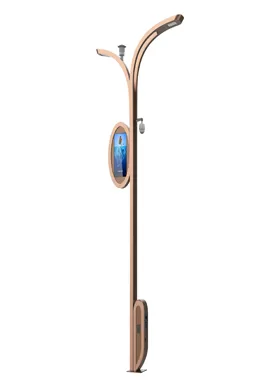
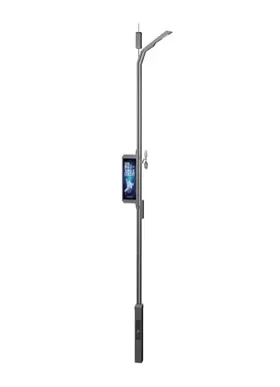
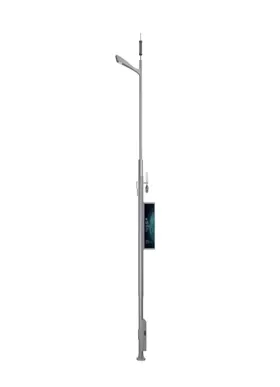
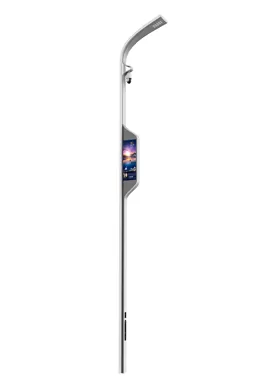
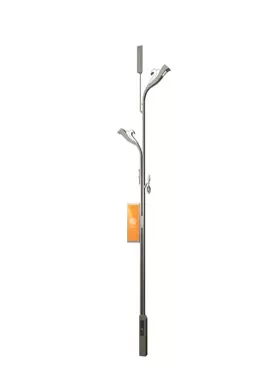
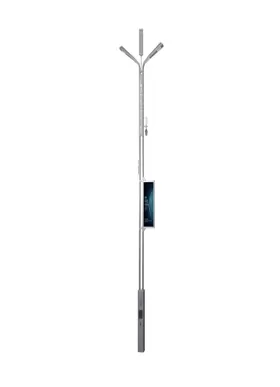
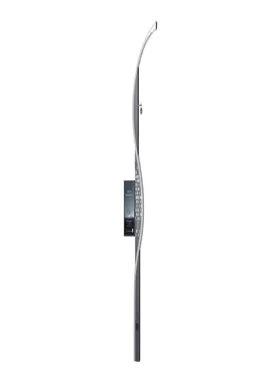
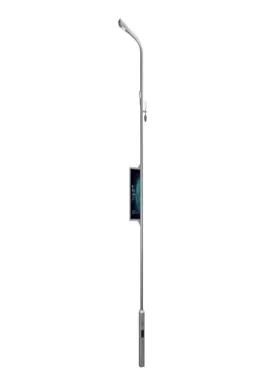
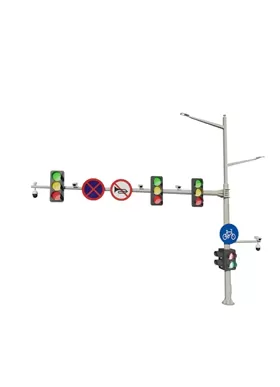
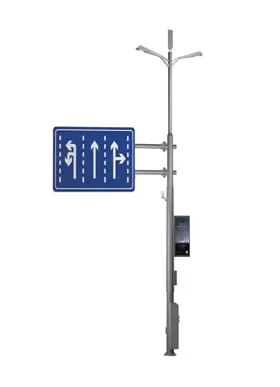
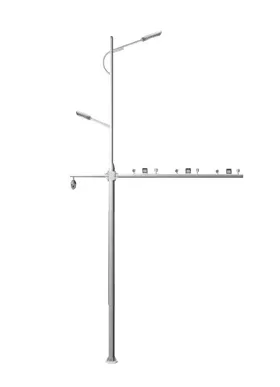
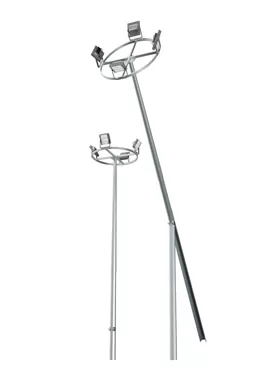
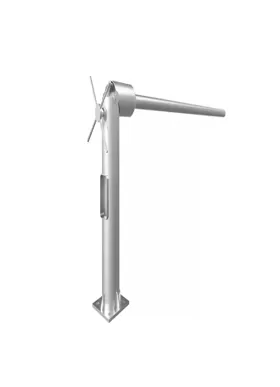
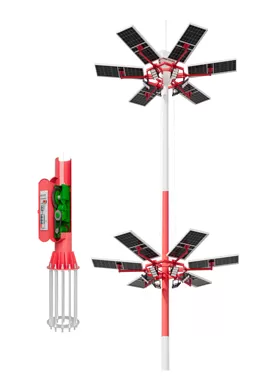
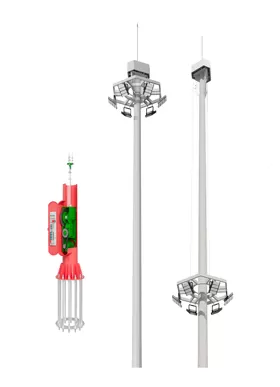
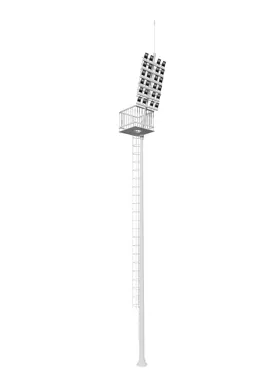

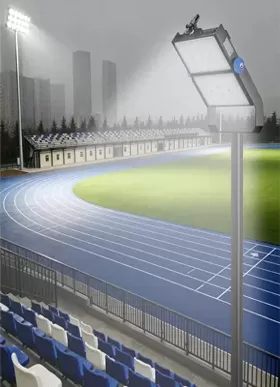
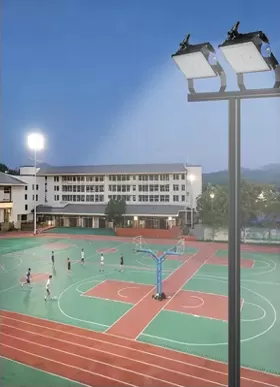
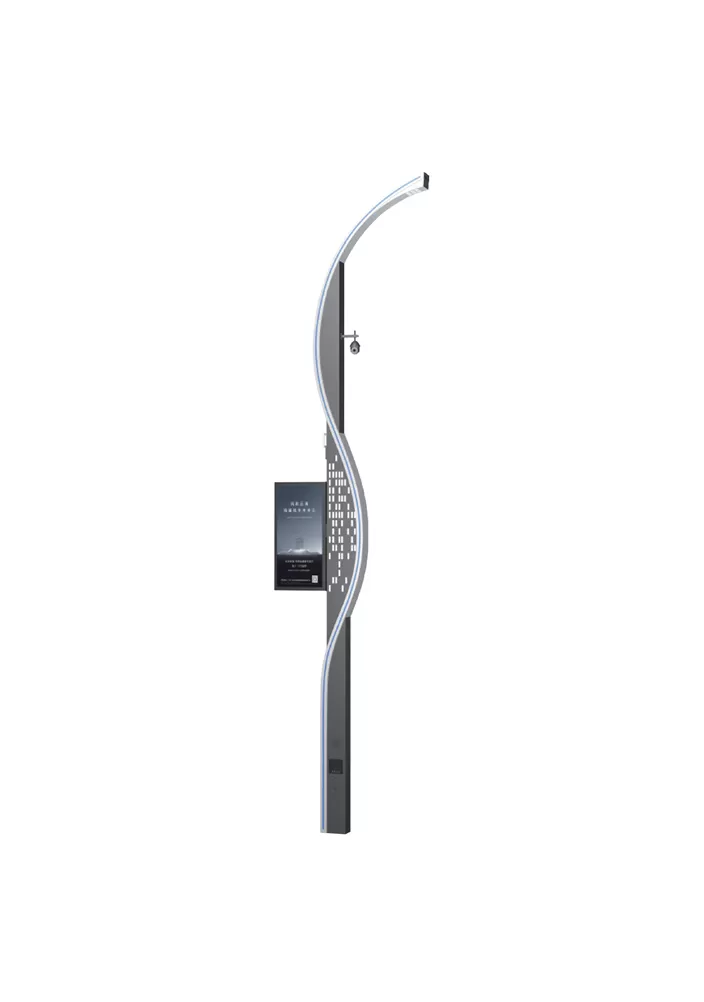
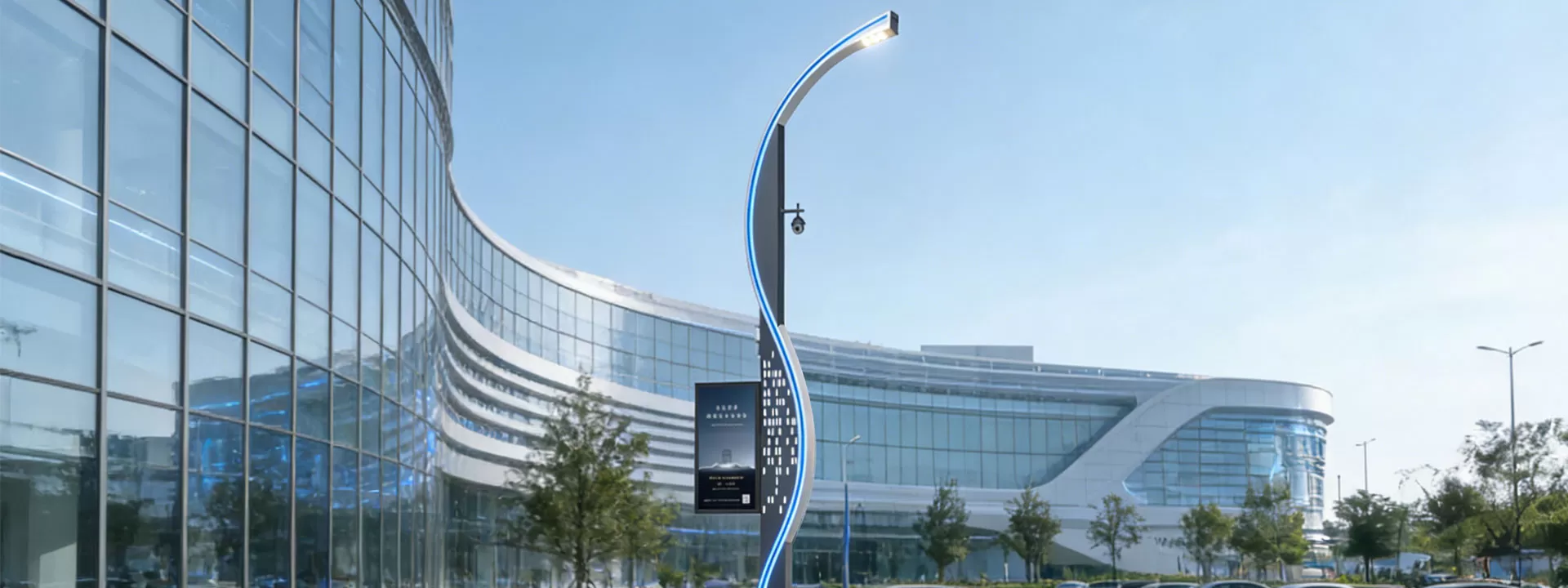
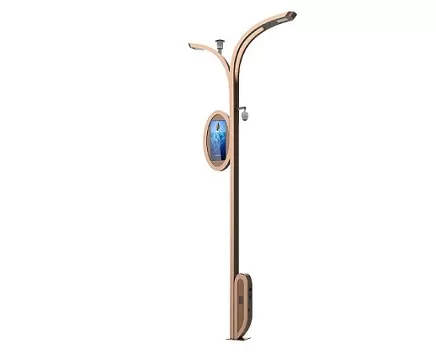
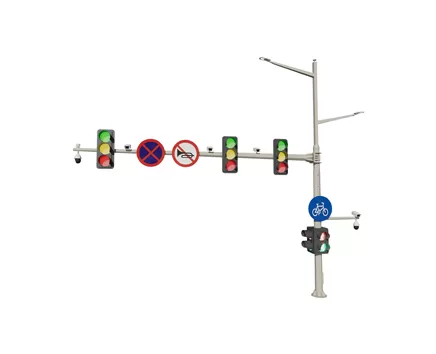





| Configuration Standard | Standard configuration | Optional configuration |
| LED lighting | √ | |
| Mobile phone charging | √ | |
| Human-computer interaction | √ | |
| One-click alarm | √ | |
| Atmospheric detection | √ | |
| Monitoring system | √ | |
| LED screen | √ | |
| Electric vehicle charging station | √ | |
| Audio system | √ | |
| WIFI | √ |
When citizens' phones run out of power while they are out and about, these poles, which have wireless or fast charging ports, efficiently handle their emergency needs.
Lighting and charging functions can be used simultaneously by utilizing the poles' existing power network, which eliminates the need for additional wiring.
Maximizes the effectiveness of public space utilization.
Check the USB port/wireless charging panel on a regular basis, remove any dust or foreign objects, test the plug's tightness and unplug it, and repair any loose or poorly connected interfaces.
Check the charging output voltage and current for stability, and make sure the overcharge and over-temperature protection devices are working properly to avoid overload damage.
Inspect the charging module and power supply lines for aging or damage to the cable insulation, and replace any defective components as soon as possible.
Ensure proper waterproof and dustproof protection, inspect the interface sealing covers for damage, and keep rainwater and moisture out of the internal circuitry.