
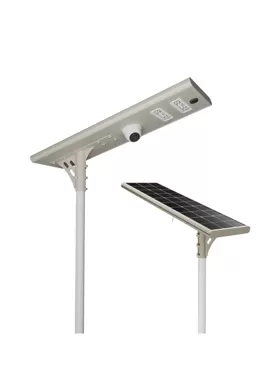
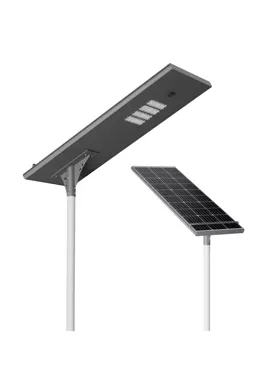
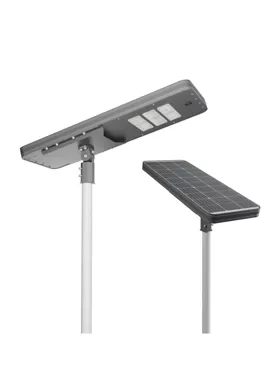
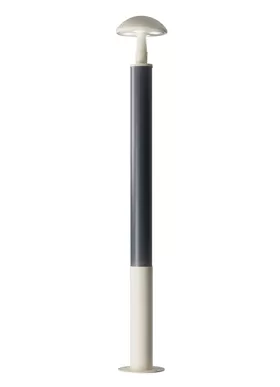
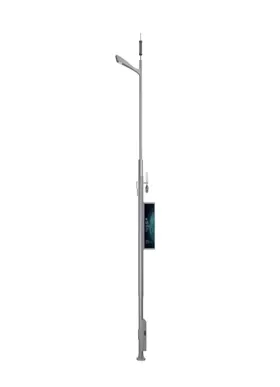
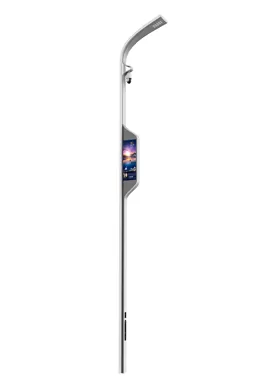
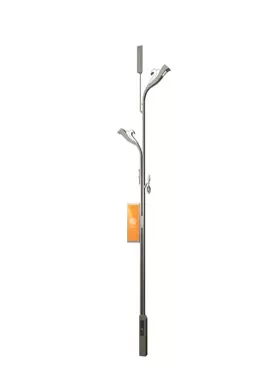
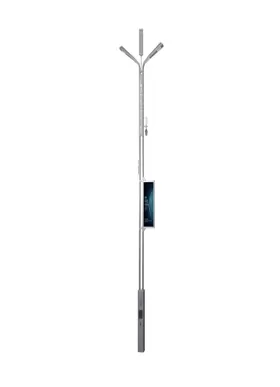
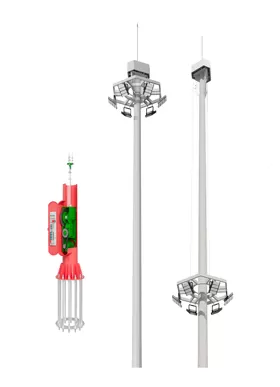
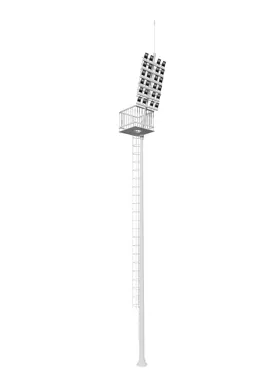
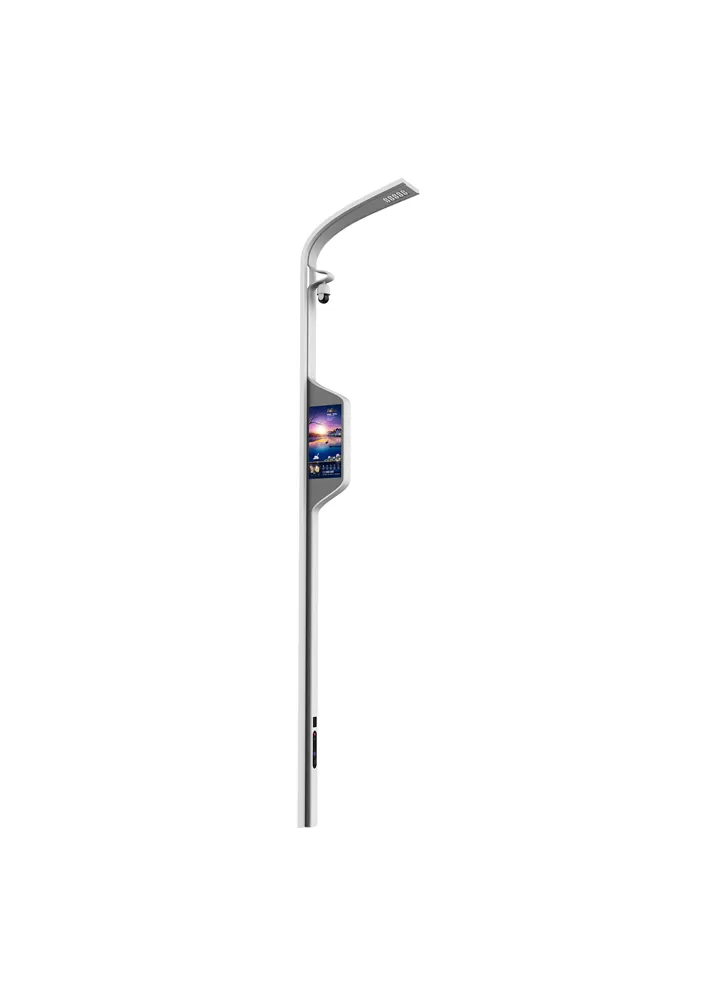



| Configuration Standard | Standard configuration | Optional configuration |
| LED lighting | √ | |
| Mobile phone charging | √ | |
| Human-computer interaction | √ | |
| One-click alarm | √ | |
| Atmospheric detection | √ | |
| Monitoring system | √ | |
| LED screen | √ | |
| Electric vehicle charging station | √ | |
| Audio system | √ | |
| WIFI | √ |
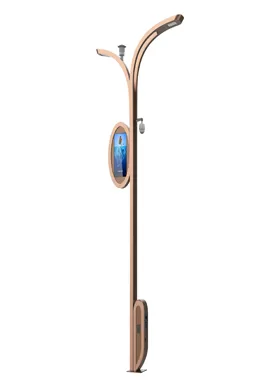
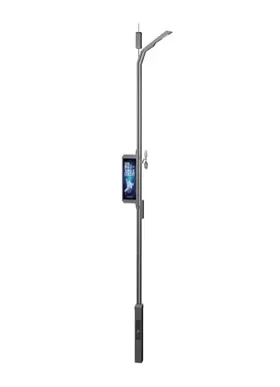
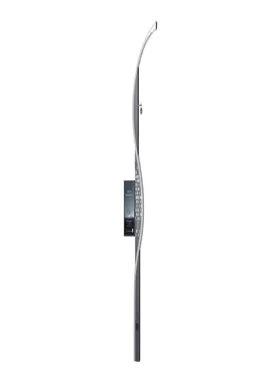
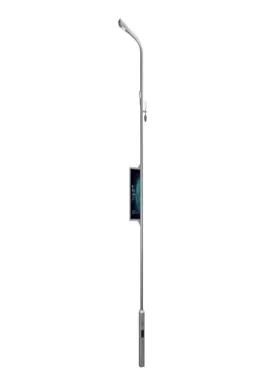
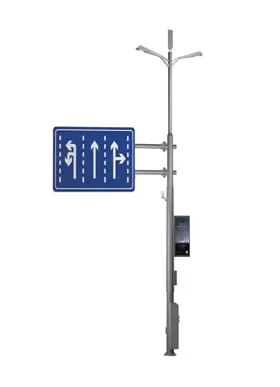
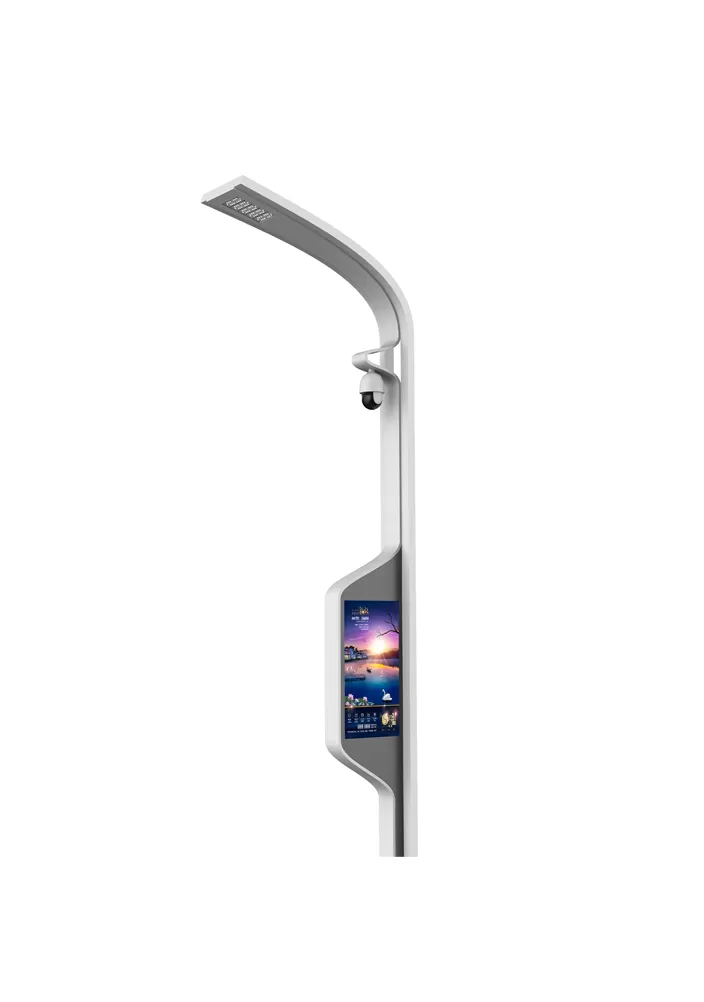
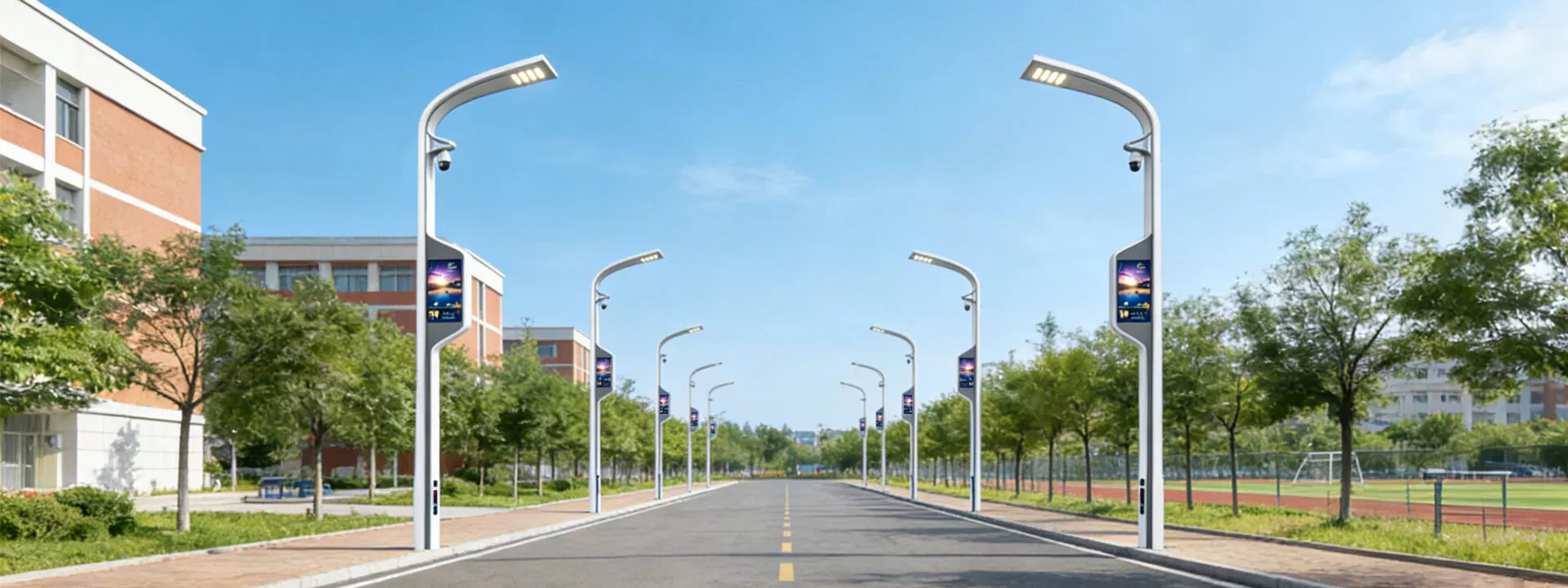
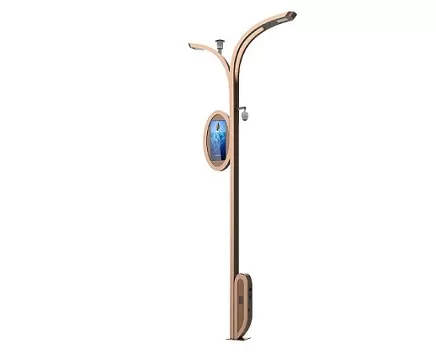
The display screen transforms into an efficient information hub, capable of delivering real-time government announcements, traffic conditions, weather warnings, and other content, thereby increasing public awareness. It can also play advertisements to generate income.
The display screen works in conjunction with lighting functions, reducing the need for multiple information devices and lowering the cost of urban infrastructure investment.
Business districts can distribute marketing messages, scenic areas can display guide content, and emergency warnings can be issued quickly.
The backend can remotely control the displayed content and optimise information delivery based on data feedback, combining functionality and flexibility.
Use a soft cloth to remove dust and stains from the display surface on a regular basis. Steer clear of corrosive cleaning products to avoid scratches.
Examine the display's wiring and power supply, looking for any loose or old connections. Check for consistency in brightness and color, and take immediate action to fix any black or distorted screen problems.
Make sure it is properly sealed and protected. Verify the waterproof and dustproof performance of the casing to avoid internal component damage from rainwater intrusion or moisture condensation.
To avoid overheating and device shutdown, clean the cooling system on a regular basis and make sure the cooling fan runs properly.
Update the display control software, test the speed at which remote control commands respond, look for program vulnerabilities, and update playback content on a regular basis.