
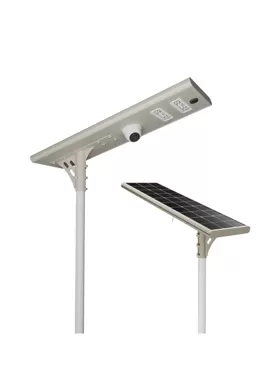
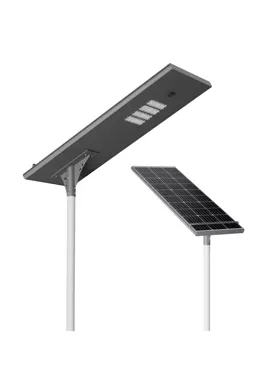
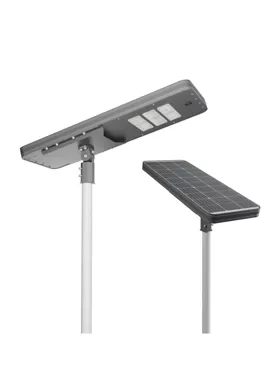
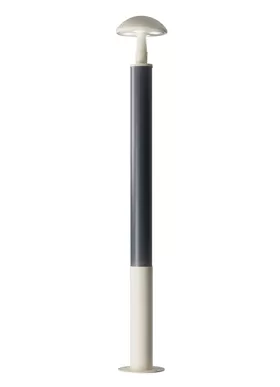
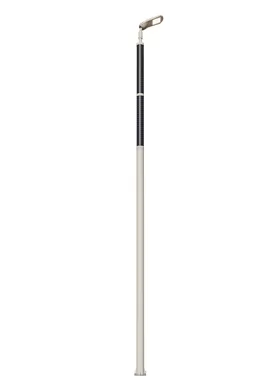
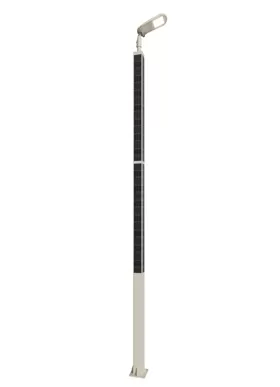
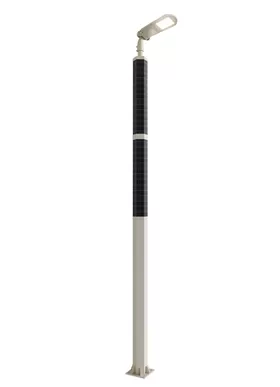
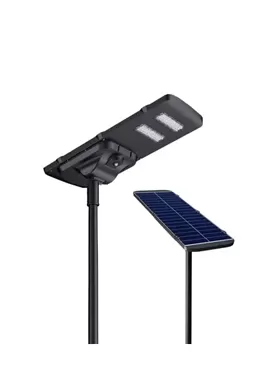
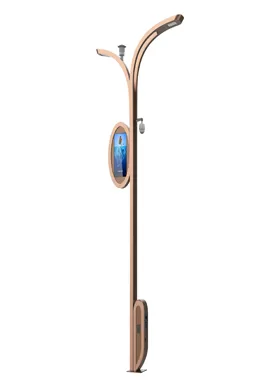
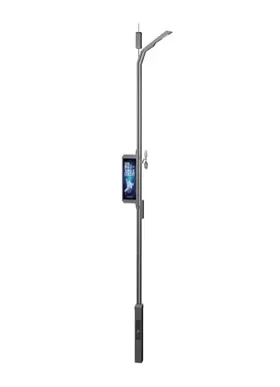
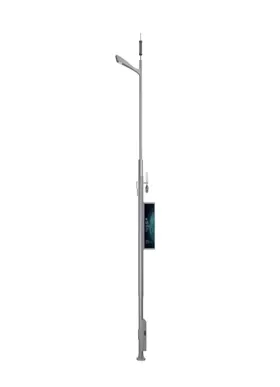
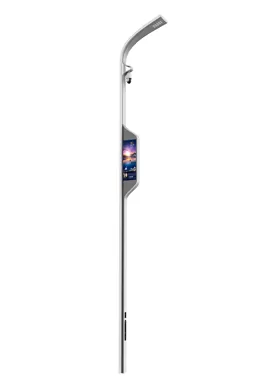
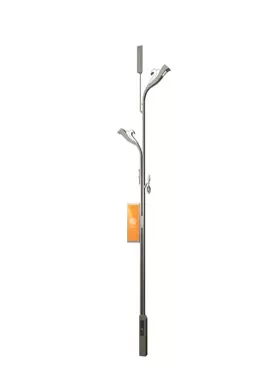
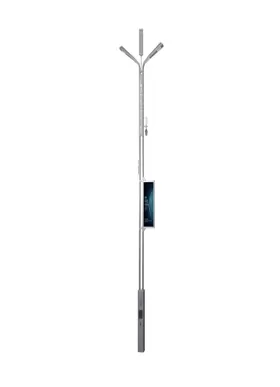
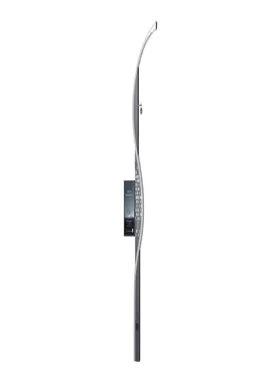
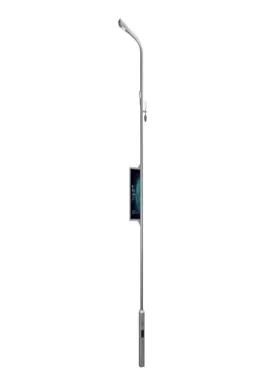
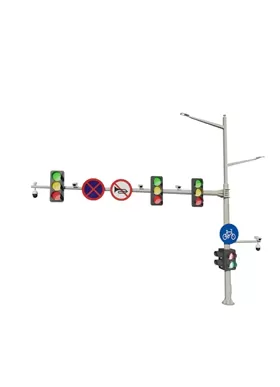
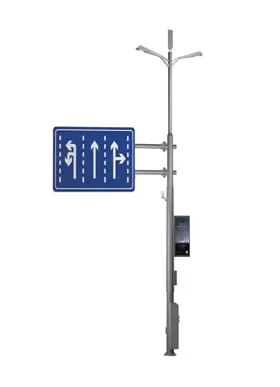
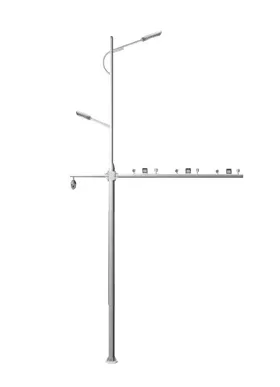
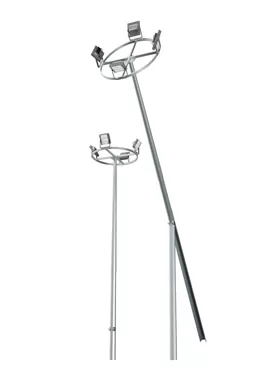
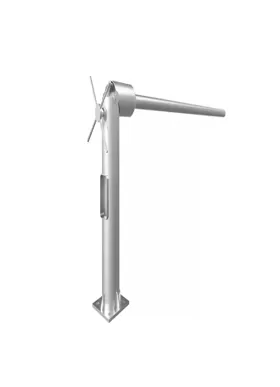
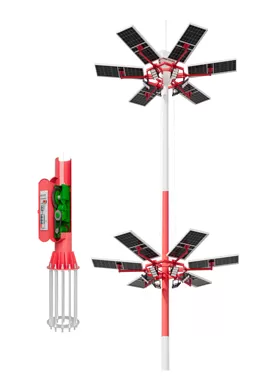
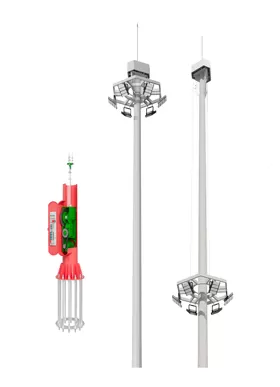
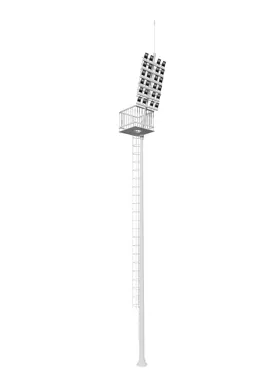
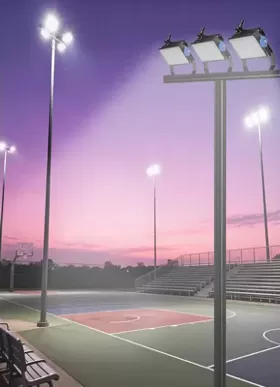
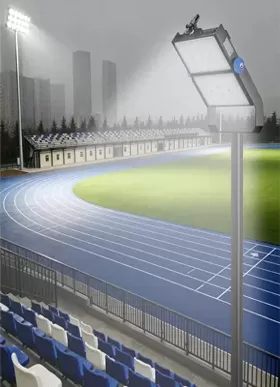
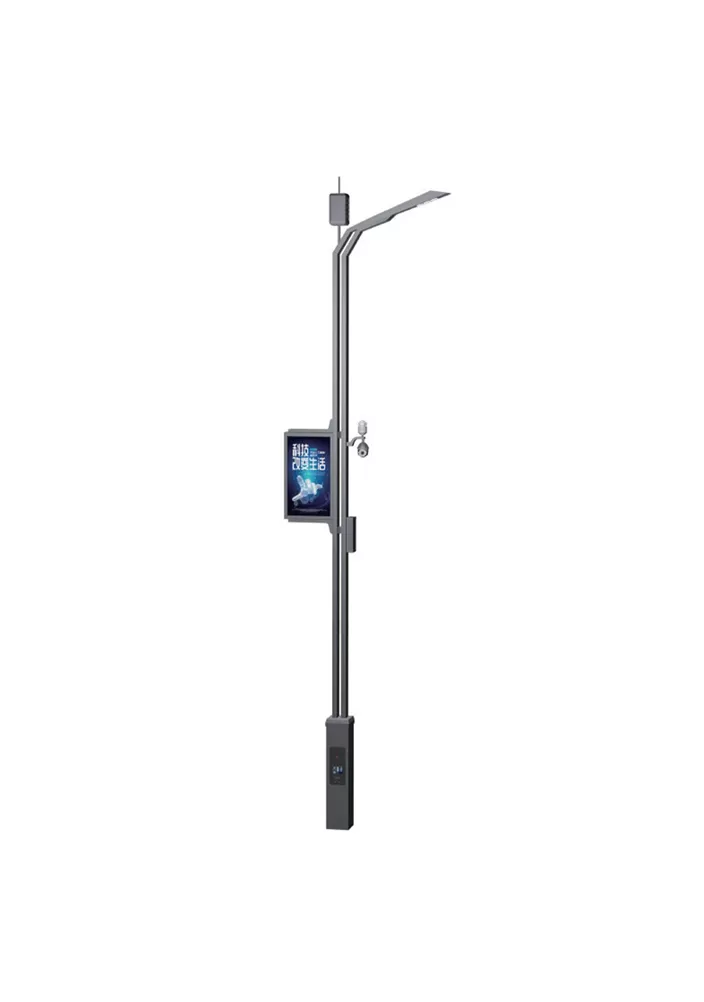
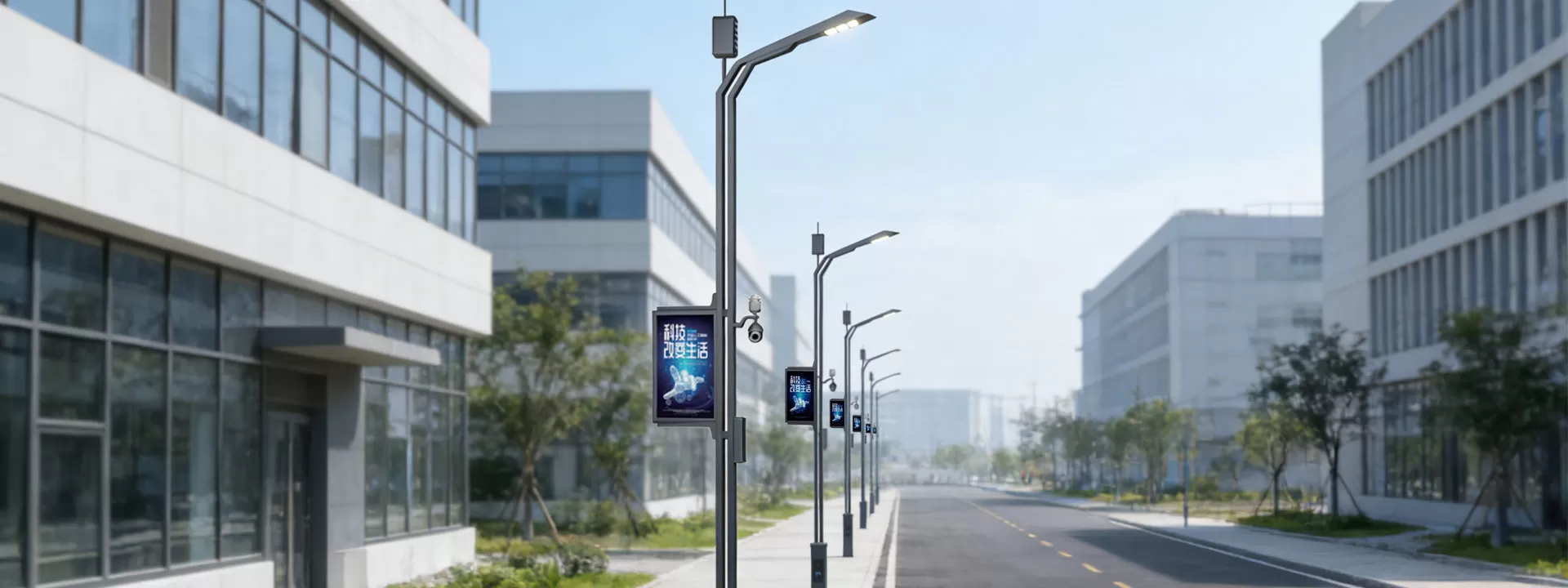
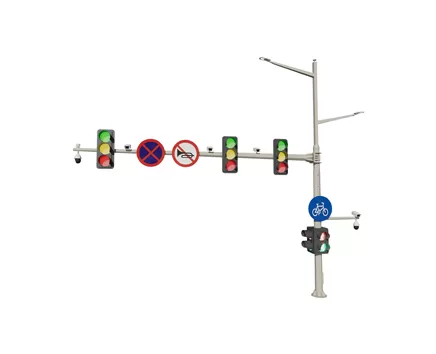
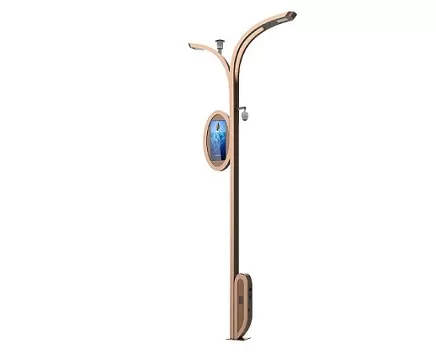


| Configuration Standard | Standard configuration | Optional configuration |
| LED lighting | √ | |
| Mobile phone charging | √ | |
| Human-computer interaction | √ | |
| One-click alarm | √ | |
| Atmospheric detection | √ | |
| Monitoring system | √ | |
| LED screen | √ | |
| Electric vehicle charging station | √ | |
| Audio system | √ | |
| WIFI | √ |
It can take the place of conventional standalone broadcasting equipment, minimizing the need for unnecessary poles and saving municipalities money on construction and upkeep.
It can provide targeted traffic alerts and announcements in urban roads, parks, and other locations.
It can provide cyclical explanations of picturesque locations in cultural and tourist attractions, improving service efficacy.
It can quickly switch to emergency broadcasting mode in the event of unforeseen disasters or emergencies, connecting with the smart system to precisely push early warning information and evacuation guidance. Its coverage area is far larger than that of handheld speakers and other devices.
It strikes a balance between functionality and user experience by playing ambient music during festivals and events.
Examine the broadcasting terminal on a regular basis, looking for any damage to the speakers and microphones, loose or oxidized wiring terminals, and quickly clearing away any dust and debris.
Check the power amplifier module and signal receiver's operational status and test the audio transmission effect by playing test tones to troubleshoot noise and dropouts.
Maintain the light pole's power supply system, guaranteeing steady voltage to avoid broadcasting equipment damage from an irregular power supply.
After severe weather, thoroughly inspect the equipment to make sure it is properly sealed and grounded and to prevent rainwater intrusion and lightning strike damage.
Make sure the audio control software responds normally to remote broadcast commands, check for system vulnerabilities, and upgrade it on a regular basis.